01
Decision summary
Do not treat a shared capacity, form factor or interface as sufficient evidence for a mixed RAID decision. Start with the exact controller and current array members, then compare the proposed drive's interface, technology, sector format, firmware, endurance and media condition against the documented platform rules.
- Exact controller and firmware
- Current array members
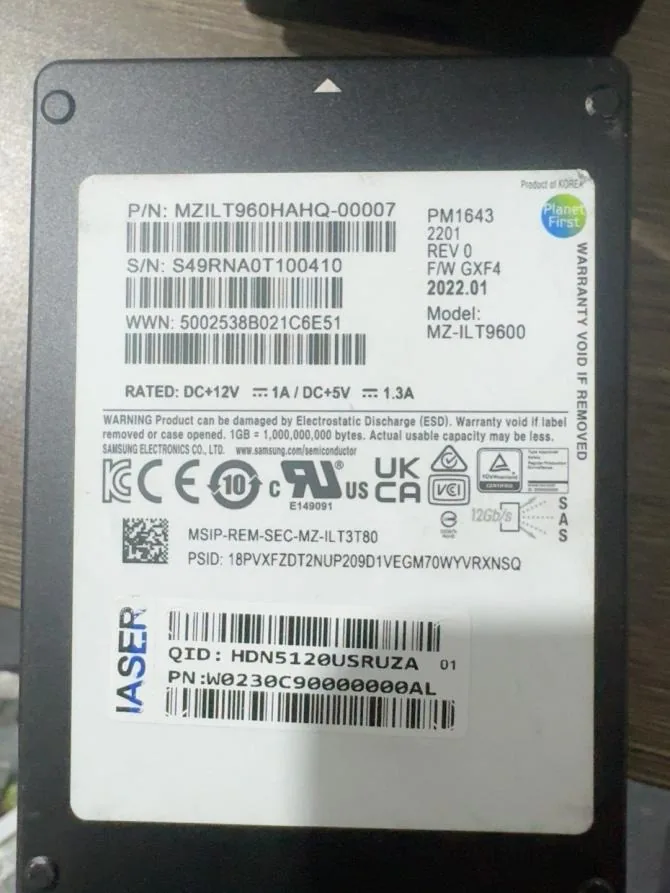
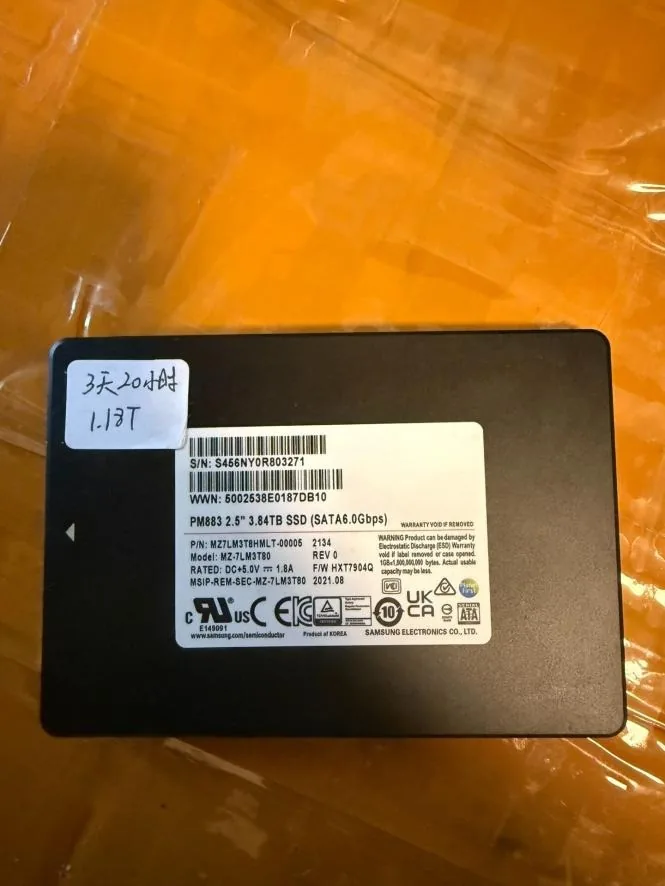
- Proposed-drive identity
- Backup and rebuild preparation
02
Start with controller-specific rules
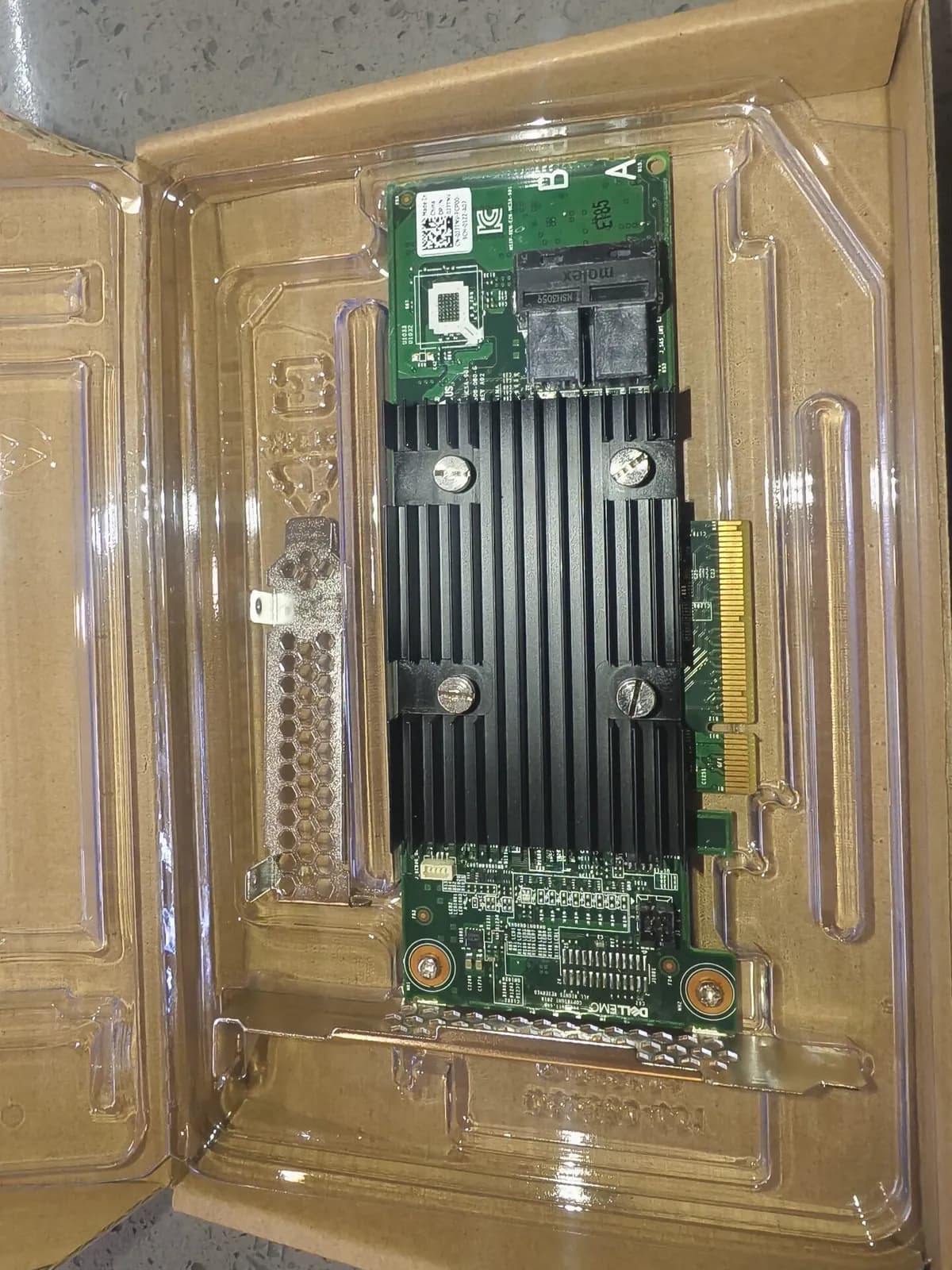
Controller-specific rules govern what a given platform documents for its arrays and drive types. Dell PERC H965i MX/PERC 12 documentation is a model-specific example, not a universal rule for other controllers, servers or configurations; confirm the installed controller's documentation and support path before changing an array.
- Controller model and firmware
- Manufacturer documentation
- Current array configuration
- System-owner approval
03
Separate interface and drive technology
SAS and SATA identify interface paths, while HDD and SSD identify drive technologies with different operating characteristics. Review both fields with the controller, backplane and current array members rather than treating interface, connector fit or drive technology as a standalone mixing decision.
- SAS or SATA interface
- HDD or SSD technology
- Controller and backplane path
- Existing array composition
04
Check capacity and sector format
Compare usable capacity and host-visible sector format with the existing members and the controller's documented requirements. Capacity and sector format are separate checks, and neither one confirms that a proposed drive is acceptable for the exact array or planned rebuild.
- Usable capacity
- 512n, 512e or 4Kn format
- Existing-member details
- Controller documentation
05
Review endurance, firmware and media condition
For enterprise SSDs, compare workload and published endurance context; for every proposed drive, record firmware, target condition and requested evidence. Model-level specifications do not report the condition of a particular unit, so keep inspection evidence and acceptance criteria in the RFQ.
- Endurance and workload context
- Firmware revision
- Target media condition
- Requested inspection evidence
06
Protect data and plan the rebuild
Verify backups and obtain a reviewed rebuild plan before removing, replacing or adding a drive in an existing array. The system owner should confirm the maintenance window, recovery approach and change procedure against the exact platform before the proposed drive is introduced.
- Verified backups
- Reviewed rebuild plan
- Maintenance window
- Recovery and rollback approach
07
RFQ checklist
Send the controller model and firmware, current array members, exact proposed drive model, quantity, interface, technology, capacity, sector format, endurance or condition requirements, backplane details, rebuild plan, destination and requested evidence. Final availability, condition, test scope, packing and quotation are confirmed per order.
- Controller and current array members
- Proposed-drive identity and quantity
- Capacity, format and firmware
- Backups, rebuild plan and evidence